Scream AI Generator – Create Viral Horror Photos
Upload a portrait, choose a cinematic horror preset, and let Scream AI transform it into a suspenseful thriller scene. Identity-safe, PG-13, and perfect for campaigns or storytelling.
Scream AI Generator
Upload your portrait and transform it into a horror scene.
Click or drag & drop to upload
(JPG, JPEG, PNG, WEBP, up to 10MB)
e.g. "make it more dramatic with red lighting"
Your horror scene will appear here
Upload an image and generate to see the result
How it Works
From Photo to Horror Scene: The 3-Step Flow
Scream AI transforms your portrait into a cinematic horror scene in just three steps. Upload a photo, choose a horror preset, and generate—results in under a minute.
Upload Your Photo
Pick a clear portrait—Scream AI works best with well-lit face shots.
Choose a Horror Preset
Select from Ghost Face, Dark Forest, Blood Moon and more themed presets.
Generate & Download
Hit Generate and download your horror scene as a high-res PNG.

Explore more AI tools
Image to Sticker
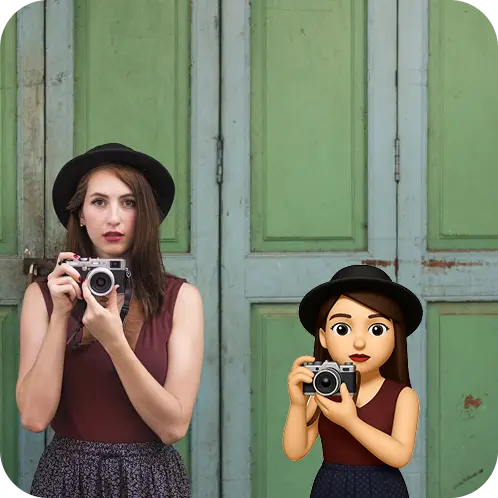
Turn any photo into a crisp sticker with precise cutouts and a transparent background.
Product Shots
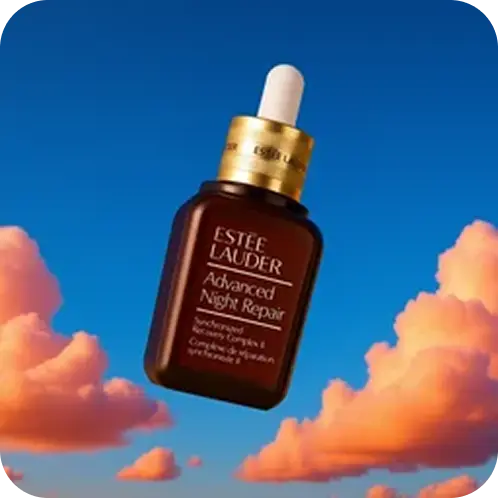
Generate studio-quality product photos with on-brand backgrounds, lighting, and shadows, no shoot needed.
AI Backgrounds
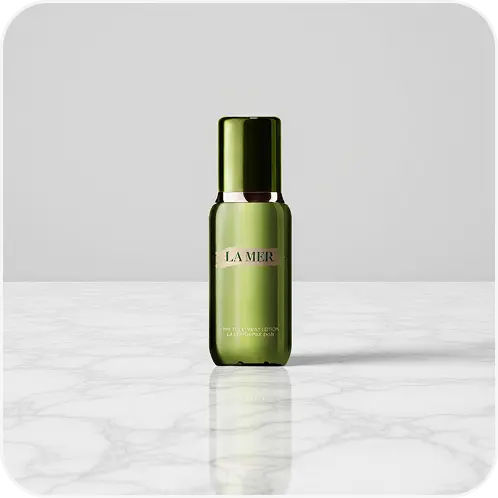
Generate realistic AI backgrounds that match your scene's lighting and perspective in seconds.
Remove Watermark
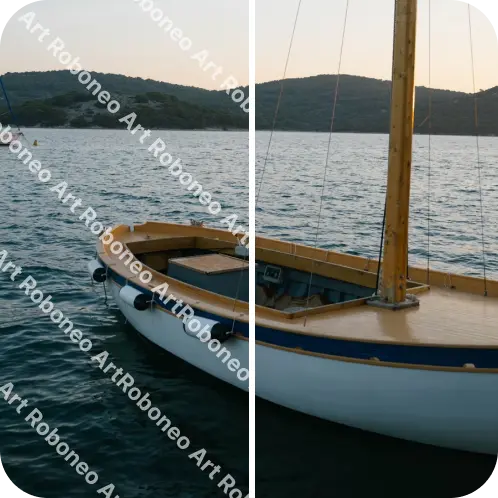
Remove watermarks and timestamps from licensed images with clean, natural inpainting.
Profile Picture Maker
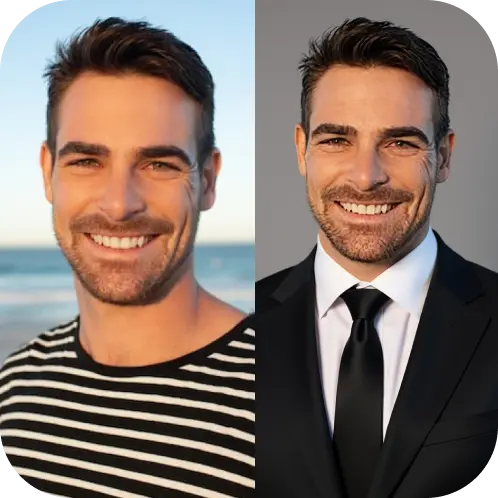
Create polished, on-brand profile photos with subtle retouching and platform-ready crops.
Frequently Asked Questions
Scream AI Generator — FAQ
Ready to create with RoboNeo AI?
Create a RoboNeo AI account, pick a credit pack or subscription, and start generating stickers, product shots, backgrounds, and more.