AI zombie trend · Zombie love story
Zombie Couple Video Generator
Upload a photo of you and one of your partner, choose who turned, pick a scene and get the zombie couple video from TikTok: tears, a lowered gun, a hug, then a hard cut to the two of you in warm light. 15 seconds, vertical, with sound.
Scene
Only use photos of yourself, adults who agreed, or your own pet. No celebrities or minors.
Takes about 5–15 minutes. You can close the tab and come back to this page on the same device.
Real results
Zombie couple video examples
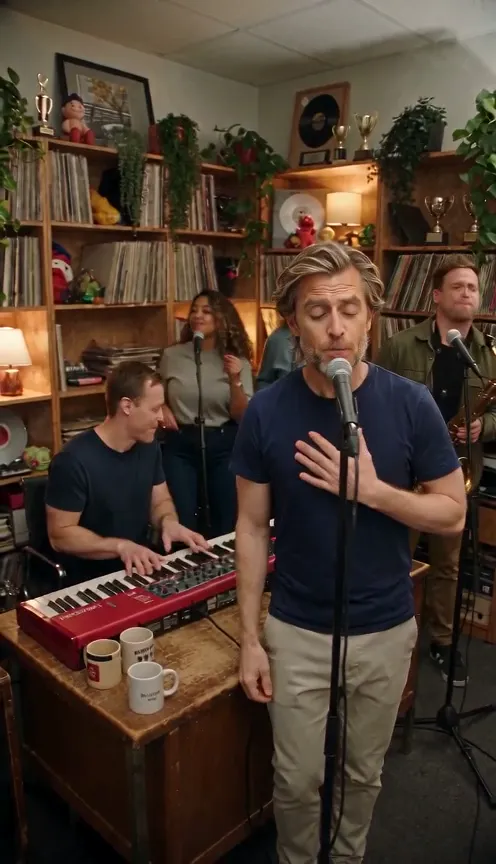
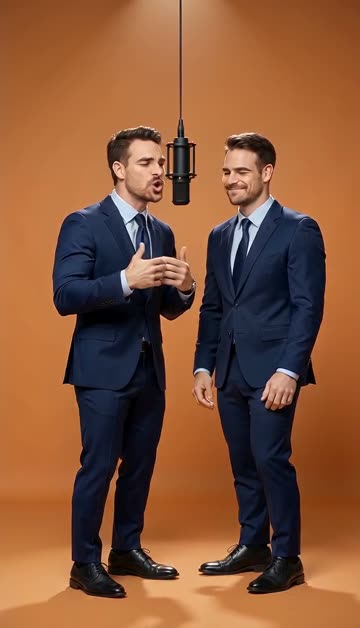
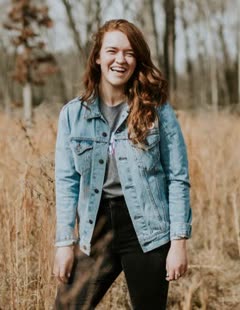
Every sample below was made on this page from two free-to-use stock photos, with no editing afterwards.


What is the zombie couple video?
The zombie couple video is the AI zombie love story that took over TikTok and Reels from late September 2026. The world has ended, one of you has turned, and the other one finds them. Instead of pulling the trigger, the survivor lowers the gun and runs into their arms. Mid-hug, the video cuts hard to a sunny memory of the two of you, healthy and laughing. It works because it asks the question every couple has joked about: would you still love me if I were a zombie?
Also called the zombie love story, the zombie hug video, the zombie memory trend or simply the AI zombie trend.
What happens in your zombie couple video
Every version follows the same four beats in 15 seconds, with a sad piano score that turns warm at the cut.
| Beat | What you see |
|---|---|
| The standoff | The survivor (photo 1) aims a pistol with shaking hands, in tears. The zombie (photo 2) stops and looks at them as if they remember. |
| The choice | The gun comes down and drops. No shot is fired. |
| The hug | The survivor runs and leaps into the zombie’s arms. Both faces stay recognisable under the grey skin. |
| The memory | A hard cut to the two of you, healthy again, laughing in golden light. |
How to make a zombie couple video in 3 steps
No prompts, no editing app, no green screen.
- 01
Add two photos
Upload the survivor first and the one who turns second. Use the swap button if you want to be the zombie.
- 02
Pick a scene
Classic ruined city, a Halloween pumpkin patch, or the zombie pet version for your dog or cat.
- 03
Generate and post
Press Make our zombie video. In about 5 to 15 minutes you get a 15-second vertical MP4 with sound, ready for TikTok, Reels and Shorts.
Zombie girlfriend, boyfriend, husband, wife, or best friend
The trend is not only for couples. Whoever you would never leave behind can be in it.
Zombie girlfriend or boyfriend
The original. Put your partner in photo 2 and watch yourself refuse to let them go, or swap and make them find you.
Zombie husband or wife
Use a recent photo of each of you. Married couples often post it on an anniversary with a line from their vows.
Best friends
Two friends work exactly like a couple. The ending turns into a laughing hug instead of a romantic one.
Zombie dog or zombie cat
Choose the zombie pet scene and add a photo of your pet. You lower a baseball bat instead of a gun, and the ending is your pet running into your arms.
A zombie couple video for Halloween
Planning a zombie couple costume this year? Make the video first and post it as the teaser.
Pumpkin patch scene
The Halloween scene swaps the ruined city for glowing jack-o’-lanterns and fog, then cuts to the same patch on a sunny afternoon.
Costume reveal
Post the video on the 30th, then your real zombie couple costume on Halloween night with the same sound.
Party invite
Send it to the group chat as the invitation: the person who turns is the host.
Photo tips for a zombie couple video
For the best result
- One person per photo, face clear and looking at the camera
- Waist up or full body works better than a tight selfie
- Daylight or even light, no sunglasses or heavy filters
- For pets: the whole animal, standing, in sharp focus
Good to know
- The AI writes new music; there is no dialogue or lip sync
- The zombie look is light make-up, not gore
- Hands and small details can drift during the leap
- Every video is 15 seconds and vertical 9:16
Caption ideas for your zombie couple video
The trend usually runs with a short caption and the #aizombietrend hashtag.
- “Would you still love me if I were a zombie? Apparently yes.”
- “End of the world and I still choose you.”
- “Couldn’t do it. Never could.”
- “Tag the person you’d never leave behind.”
How much does a zombie couple video cost?
Pay per video with credits, no subscription. The price is always on the button before you generate.
| Quality | 15 s video |
|---|---|
| 720p | 410 |
| 480p | 190 |
1 Zombie Couple Video
$6.90
one-time
- 410 credits
- one 15 s video at 720p
- or two at 480p
3 Zombie Couple Videos
$14.90
one-time · $4.97 a video
- 1,230 credits
- three 15 s videos at 720p
- try every scene
10 Zombie Couple Videos
$39.90
one-time · $3.99 a video
- 4,100 credits
- ten 15 s videos at 720p
- friends, pets and Halloween
One video at 720p is 410 credits, at 480p 190. Get one for $6.90, three for $14.90 or ten for $39.90. Credits never expire, there is no watermark, and failed videos are refunded automatically.
Zombie couple video FAQ
Price, photos and what to expect.
Is the zombie couple video free?
No. Each video is paid with credits: 410 at 720p or 190 at 480p. A single video costs $6.90 and packs bring it down to $3.99. Failed videos are refunded.
How do I make the zombie couple video?
Upload a photo of the survivor and one of the person who turns, pick a scene, and press Make our zombie video. You download a vertical MP4 with sound when it is ready.
Where did the AI zombie trend start?
Remakes and tutorials appeared in late September 2026, and the trend broke out on TikTok around October 1. Creators turned it into a template: one person turns, the other cannot let go, then a cut to a happy memory.
Can I be the zombie instead?
Yes. The second photo is always the one who turns. Press the swap button between the two photos to switch roles.
Can I make it with my dog or cat?
Yes. Choose the zombie pet scene and upload your pet as the second photo. The pet keeps its breed, colors and markings.
Does the video have sound?
Yes. The AI scores it with a sad piano melody that turns warm at the memory. You can also add a trending sound inside TikTok.
How long does it take?
Usually 5 to 15 minutes. You can leave the page and come back on the same device; finished videos stay in your history here.
Can I use a celebrity’s or a stranger’s photo?
No. Only upload yourself, adults who agreed, or your own pet. Celebrity photos are often rejected by the video model; when that happens your credits are refunded.
Who would you never leave behind?
Two photos. 15 seconds. One impossible choice.
RoboNeo is an independent tool and is not affiliated with TikTok or the creators of the original zombie love story videos. Videos are AI-generated; please label them as AI when you post.
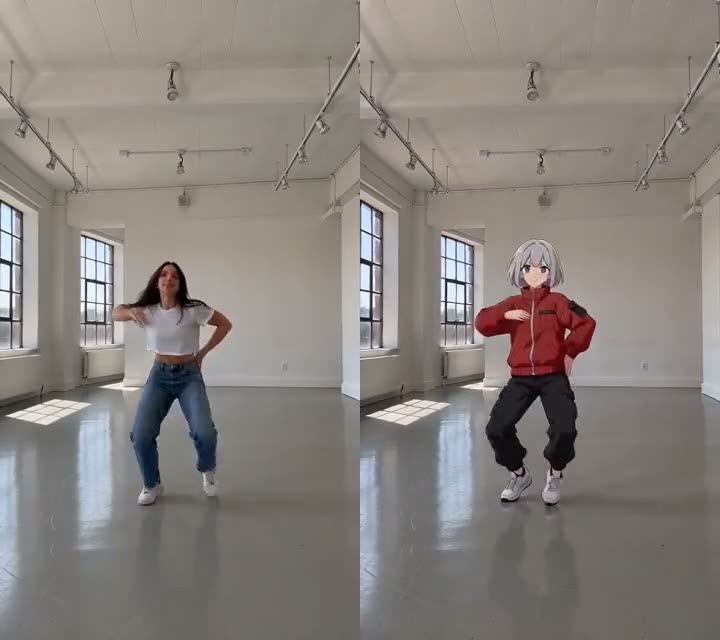
More AI video trends
Same idea, different scene: bring your photos and ride the next trend.